What Is a vCard? The .vcf Contact File Explained
A vCard is a small file that holds a contact: name, company, phone numbers, email, address, website, photo. Its file extension is .vcf. Every address book, from the Contacts app on an iPhone or an Android phone to Outlook and Google Contacts, can read one, which is why a vCard is the simplest way to hand your details to someone without them typing anything. This guide explains what a vCard contains, the versions you will meet, how to open and send one, and how a digital business card uses vCards.
What is a vCard?
vCard is the standard format for exchanging contact information electronically. It was defined in the mid-1990s by the Versit consortium, which gave it its name, and is often expanded today as "virtual contact file". A vCard is a plain text file: you can open it in a text editor and read it. Its MIME type is text/vcard (older systems still use text/x-vcard).
Three versions are in circulation:
- vCard 2.1 (1996): the oldest, still exported by some older programs.
- vCard 3.0 (1998): the most widely supported. iPhone, Android and most address books read and write it.
- vCard 4.0 (2011, RFC 6350): the current standard, with better support for several languages and online data, but not every app reads it yet.
In practice, a vCard 3.0 is the safe choice when you want a file that opens everywhere.
What does a vCard contain?
Each line of a vCard is a property. The ones you will see most often:
- FN and N: the formatted name and its parts (last name, first name).
- ORG and TITLE: company and job title.
- TEL: phone numbers, each with a type (work, cell, fax).
- EMAIL and URL: email addresses and websites.
- ADR: a postal address, in parts (street, city, postal code, country).
- PHOTO: a picture, embedded in the file or linked.
- NOTE: free text.
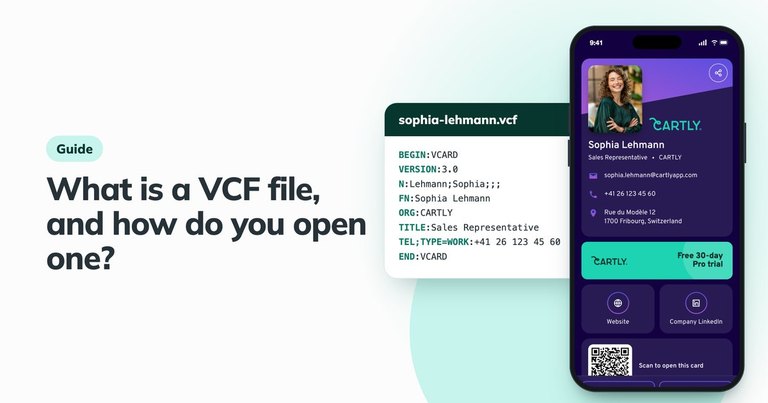
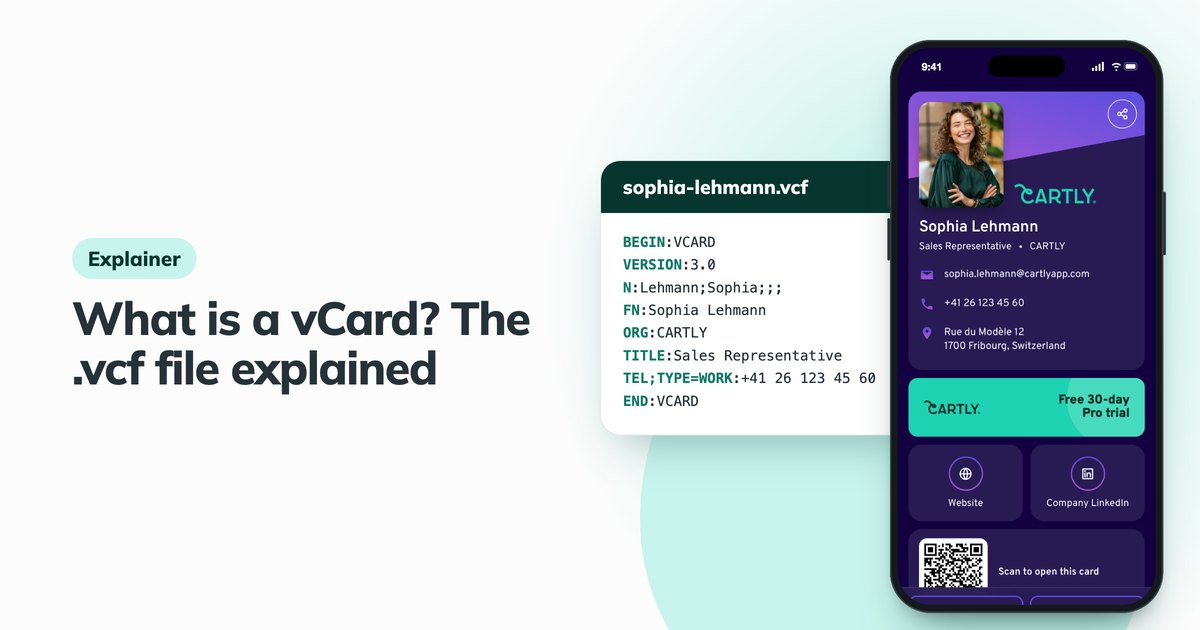
A minimal vCard looks like this:
BEGIN:VCARD
VERSION:3.0
N:Lehmann;Sophia;;;
FN:Sophia Lehmann
ORG:CARTLY
TITLE:Sales Representative
TEL;TYPE=CELL:+41 26 123 45 60
EMAIL:[email protected]
URL:https://cartlyapp.com
END:VCARD
Save that text as sophia-lehmann.vcf and any phone will offer to add Sophia to its contacts. To create one yourself, from your phone or by hand, see how to create a vCard.
How to open a vCard on iPhone, Android, Outlook and Gmail
- iPhone and iPad. Tap the .vcf file in Mail, Messages or Files; Contacts opens with the details filled in and offers Create New Contact or Add to Existing Contact.
- Android. Tap the file; the Contacts app imports it. For a file saved on the phone, open Contacts, then Settings, then Import.
- Outlook. Double-click the .vcf attachment to open it as a contact, then save it. Outlook on the web and the new Outlook add it to People.
- Gmail and Google Contacts. Open contacts.google.com, click Import and choose the .vcf file. Google Contacts also exports your contacts as a vCard.
- Mac. Double-click the file; Contacts imports it.
vCard and digital business card: how they work together
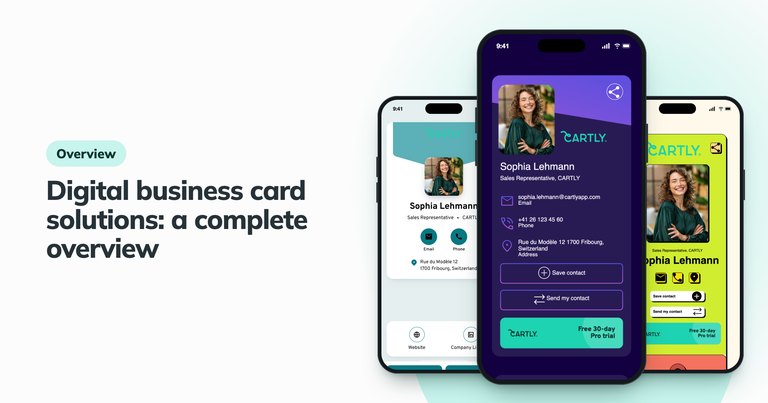
A paper business card still has to be typed into a phone. A digital business card is a web page with your details, opened by scanning a QR code or tapping a link, and its Save contact button hands your contact a vCard: one tap, and you are in their address book with the right spelling, the right number and your photo. You never send the file yourself, and when your details change, the card changes with them, so the next person always gets the current version.
With CARTLY Pro and Business, the card also works the other way: with Send my contact, the person you meet sends you their details through a short form, and they land in your contact list, ready to export as CSV, VCF or Excel or to sync with your CRM.
vCard QR code: the contact inside the code
A QR code can hold a web address, or it can hold the vCard text itself. In the second case, scanning the code saves the contact even without a connection: the phone reads the details straight from the code. That is how CARTLY's offline QR code works (Pro and Business plans). The trade-off is capacity: a QR code holds a few thousand characters at most, so a vCard inside a code carries the essentials and no photo, and it has to be regenerated when the details change. The online QR code, which contains the card's link, has no such limit and always shows the latest version. More in our guide to the QR code business card.
Frequently asked questions
Is a vCard the same as a VCF file?
Yes. vCard is the format; .vcf is the file extension. "VCF file" and "vCard file" mean the same thing.
Is a vCard free?
Yes. vCard is an open standard. Every phone and address book creates and reads vCards at no cost.
Does a vCard work on both Android and iOS?
Yes. Both read vCard 2.1 and 3.0 files and export their contacts as vCards, so a contact shared from an iPhone opens on an Android phone and the other way round.
How do I send my vCard to someone?
From your phone's Contacts app, open your own card and choose Share Contact; it sends a .vcf by message, email or AirDrop. Or share a digital business card: your contact taps Save contact and gets the vCard without you sending a file.
What is the difference between vCard 3.0 and 4.0?
vCard 4.0 is more precise (several languages, time zones, online photos and calendars) but not every app imports it yet. vCard 3.0 is read everywhere. If you are not sure, use 3.0.
Can a vCard contain a photo?
Yes, embedded in the file or as a link. Embedded photos make the file larger, which matters when the vCard goes into a QR code.
Want your details saved in one tap, without sending a file? Create your free digital business card: its QR code and link open your card, and the Save contact button delivers your vCard.