
Three days at a trade show, and not a single contact lost
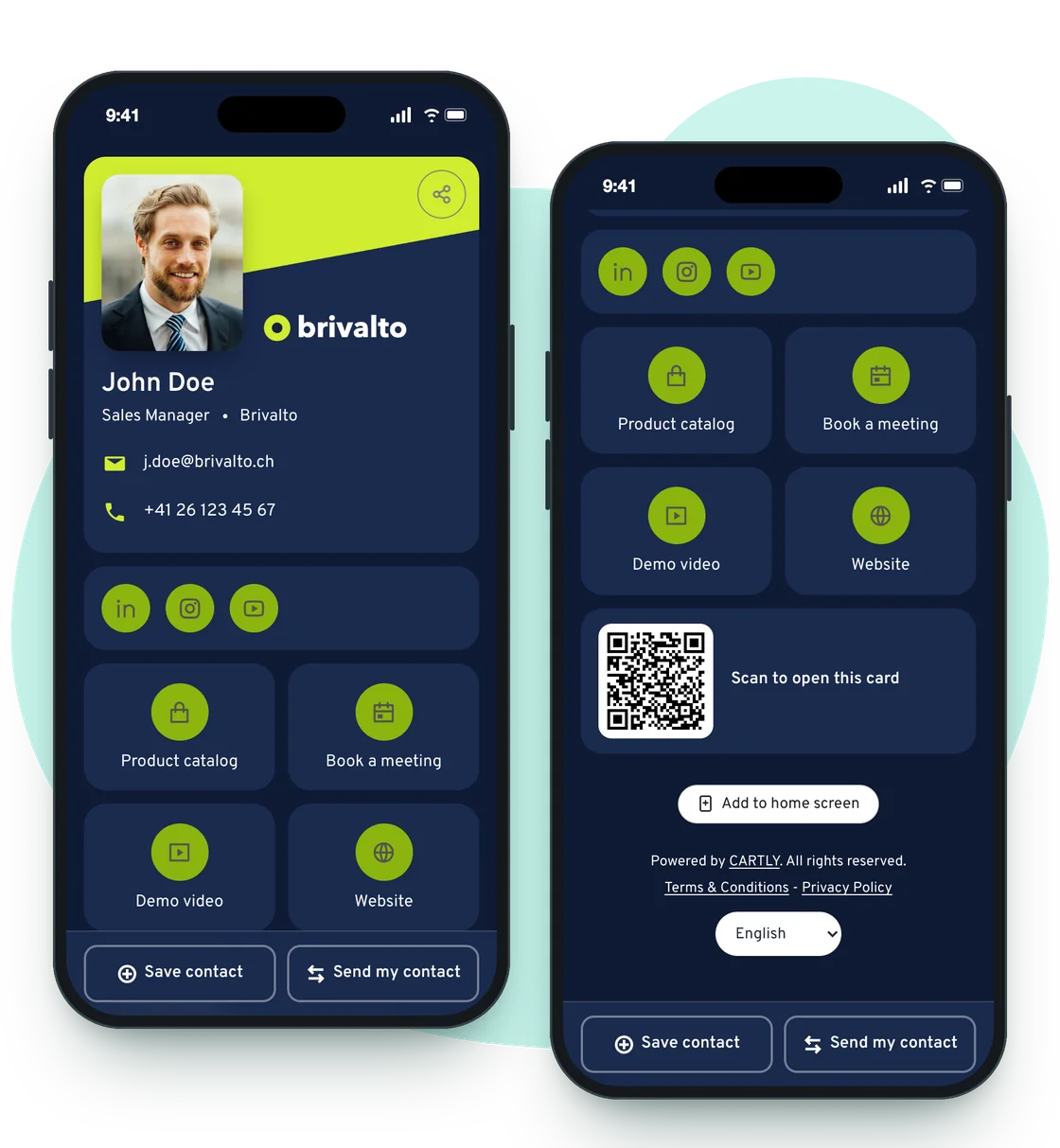
At the show, your team shares their digital business card with one scan. Visitors leave with your details and can send you theirs in one tap. After the show, every exchange is in CARTLY, ready for follow-up.
- Free 30-day Pro trial
- No credit card
A card lost in a coat pocket isn’t a prospect
During a trade show, your sales reps hand out dozens of cards and receive just as many. Some end up at the bottom of a pocket, and follow-ups go out late, if at all.
With CARTLY, the visitor scans your rep’s card and sends their details in one tap. The exchange is saved, along with the person who made it.
- QR code and Wallet: your team shares their card in one scan, with no app on either side.
- Contact exchange: the visitor enters their name, company, job title, email, phone and the reason for the exchange.
- Offline QR code: contact details still get shared when the hall’s network is overloaded.

The whole team’s QR codes, ready for the booth
Download the QR codes of one or more teams, or of chosen people, at once for badges, roll-up banners and printed materials: one file per card, named after its email address. Each code opens its team member’s card, always up to date.
- By team or by person
- Color of your choice, white or transparent background
- PNG or SVG, sharp at any size for print

Contacts you can follow up and measure
Per-person analytics
Views, QR scans, clicks and contact exchanges: compare each rep’s activity over the show period.
Learn moreExport to your CRM
Export contacts as CSV, VCF or Excel, or sync them with your CRM through Zapier (Pro and Business plans).
Learn moreInstant notification
Every shared contact triggers an email, so your follow-up can go out that same evening.
Your team ready in four steps
Create your cards
Pick a template, your logo and your colors, then invite your sales reps by email.
Add them to Wallet
Each team member saves their card to Apple Wallet or Google Wallet to show it in a second.
Print the QR codes
For the booth or badges: download the whole team’s QR codes at once.
Follow up and measure
After the show, export your contacts and compare each team member’s results.
Frequently asked questions
Does the visitor need to install an app?
No. They scan the QR code with their phone’s camera, the card opens in their browser, and they save your details in one tap.
What if there’s no signal in the hall?
The offline QR code shares your contact details without an internet connection. It’s included in the Pro and Business plans.
How long does it take to equip a team before a show?
A small Pro team is ready in minutes; for a Business team, allow a few hours. The free 30-day Pro trial covers up to 30 team members.
Explore other use cases
Equip your booth before your next show
Free 30-day Pro trial for up to 30 team members, no credit card required.