
Add your digital business card to your email signature
Every email you send can get your contact details saved. CARTLY generates your signature from your digital business card, in one of seven styles, and you add it to Outlook, Gmail or Apple Mail in minutes.
- Seven styles to choose from
- Live picture always up to date
- Included in the 30-day Pro trial

A professional email signature that gets your details saved
A good signature says who you are and how to reach you, and offers a next step. CARTLY's goes one step further: your recipient saves your contact details without typing them.
- A QR code to your card: one scan, and your recipient saves your details.
- One click on the live signature opens your digital business card.
- Your photo and company logo: people recognize you at a glance.
- Your team's banner to announce a trade show, an event or an offer in every email.
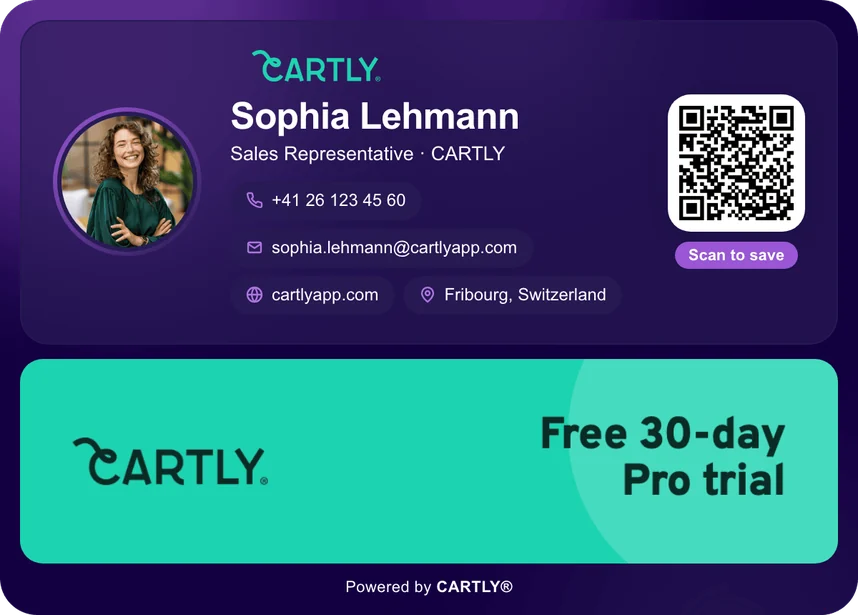
A signature people notice, in your brand's colors
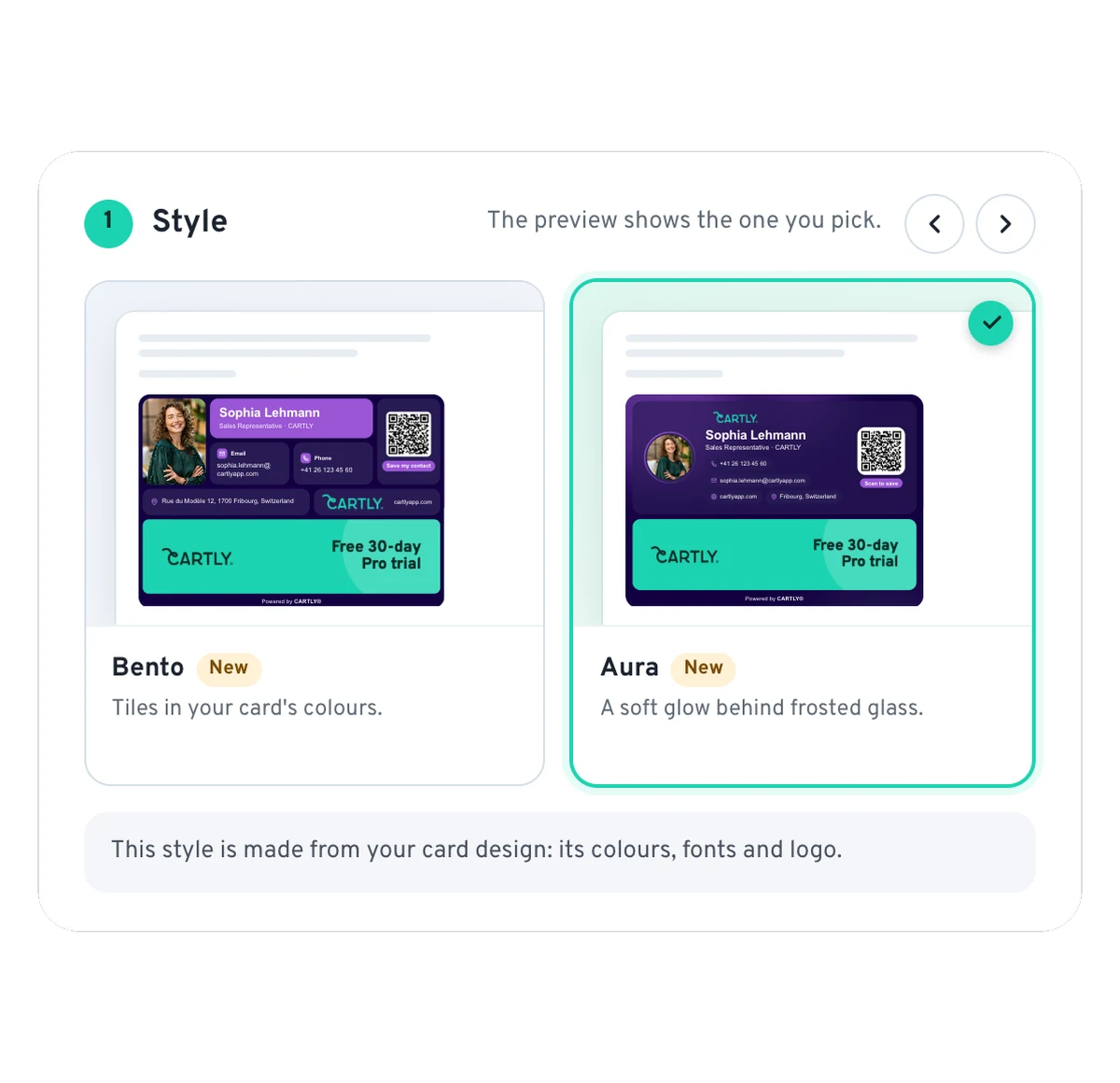
Aura, Bento, Editorial, Pass and Bold are made from your card design: its colors, fonts and logo. Switch styles whenever you like; the signature redraws in seconds. Classic and Compact, the two original styles, are still available and can take your card's colors.
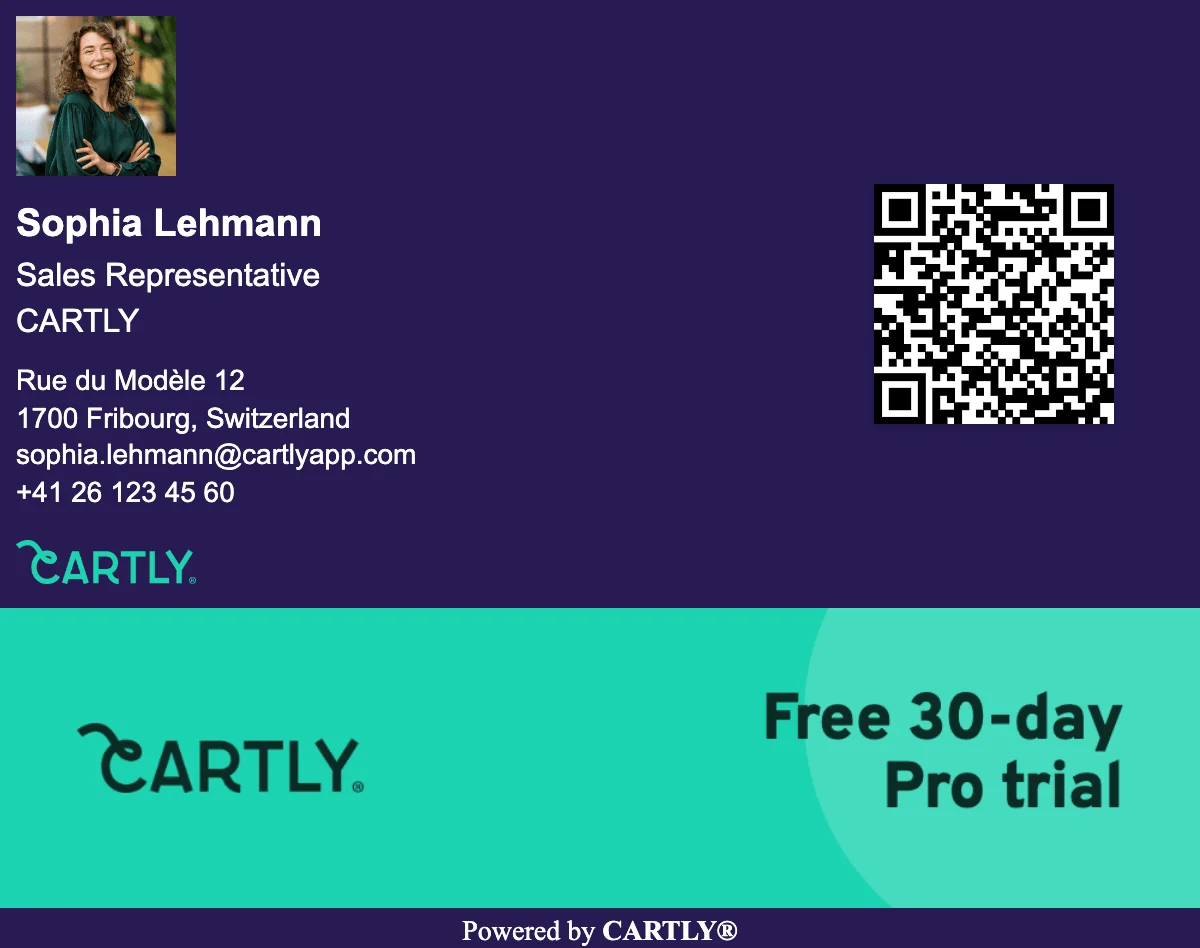
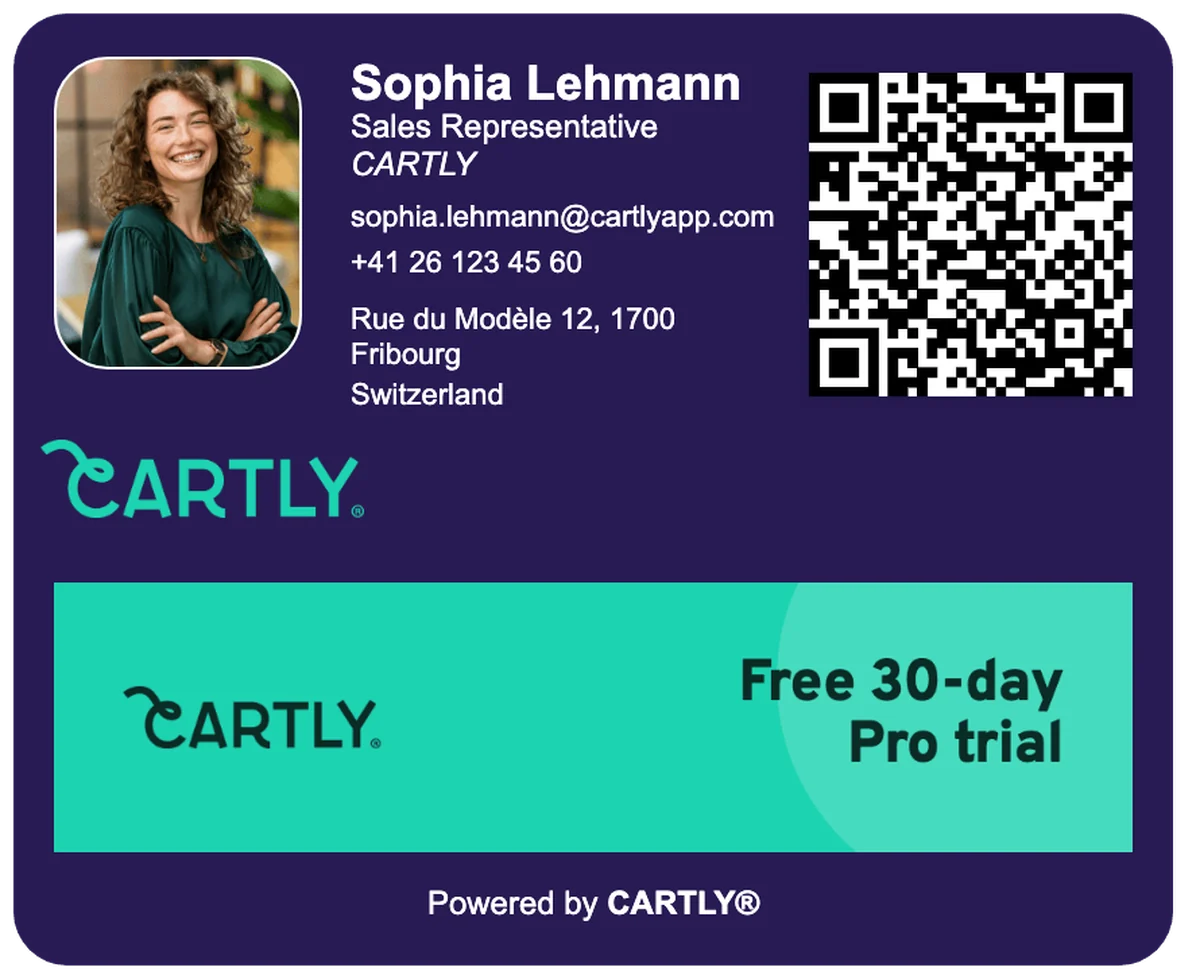
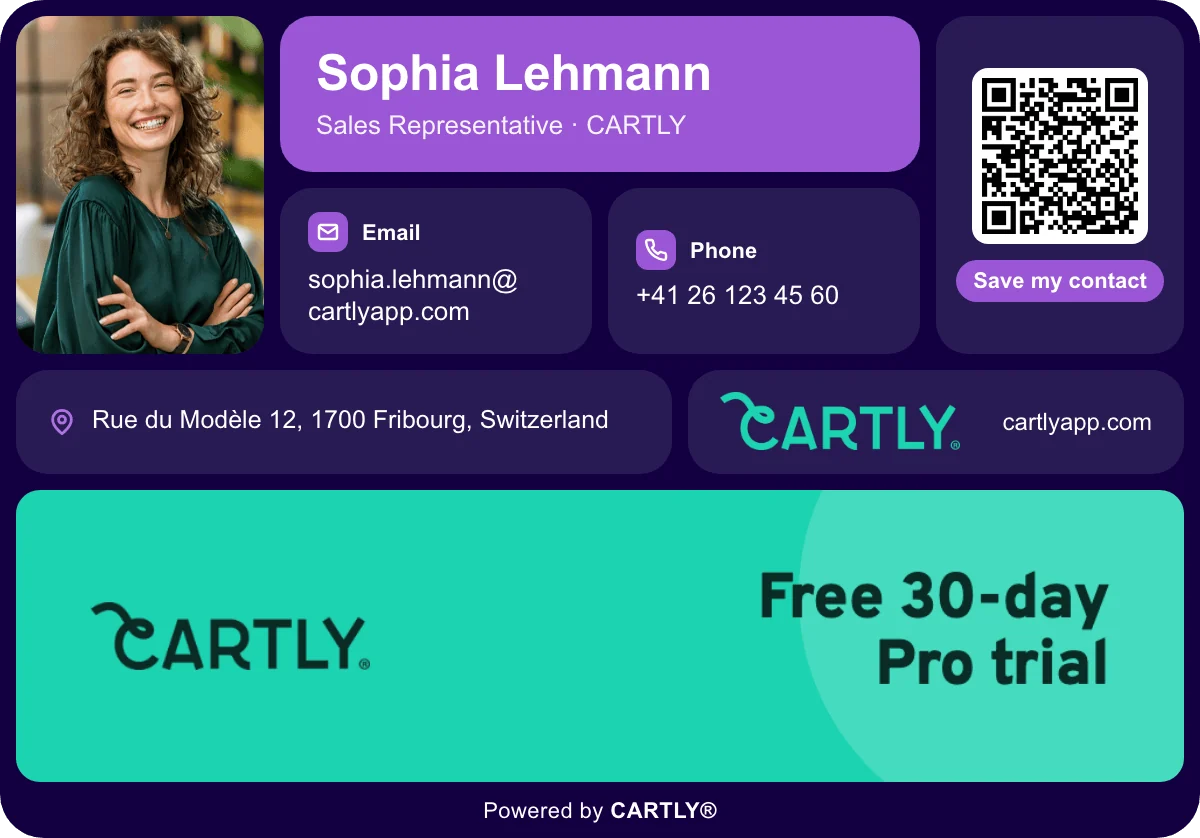
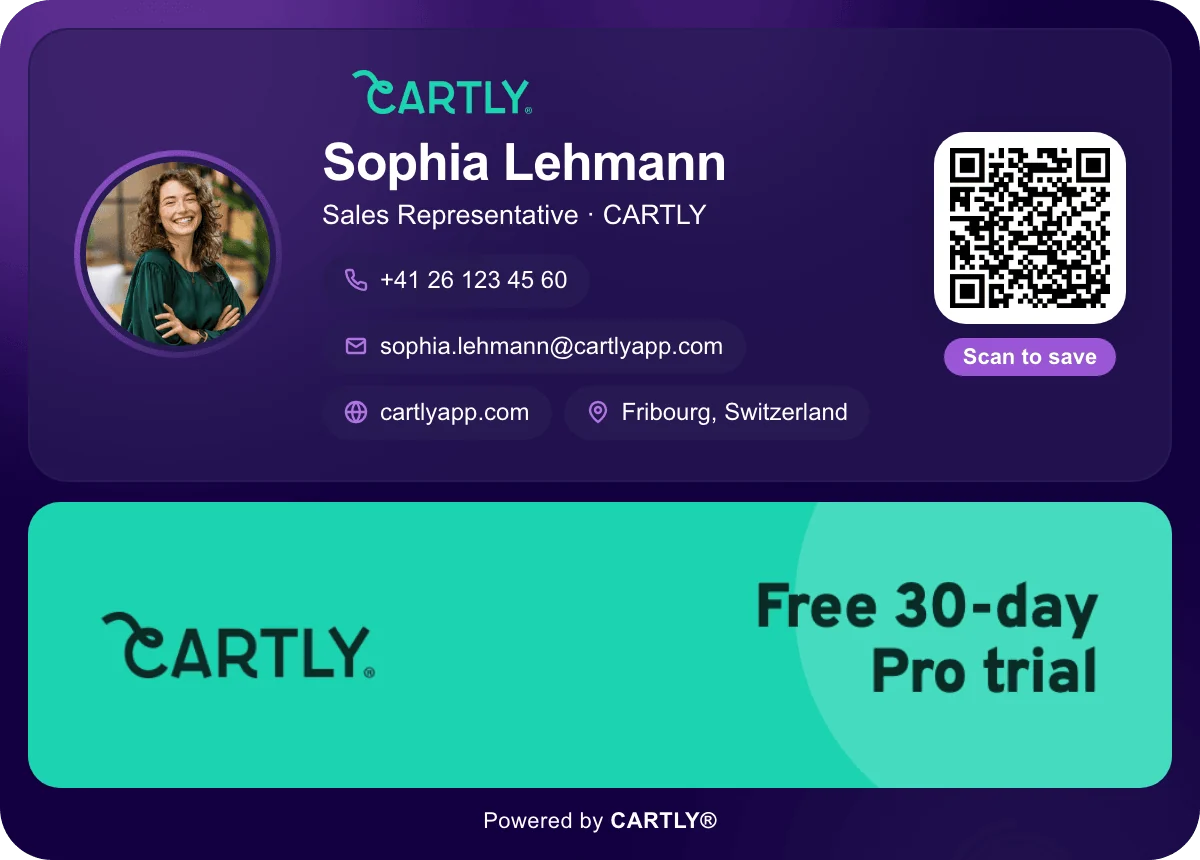
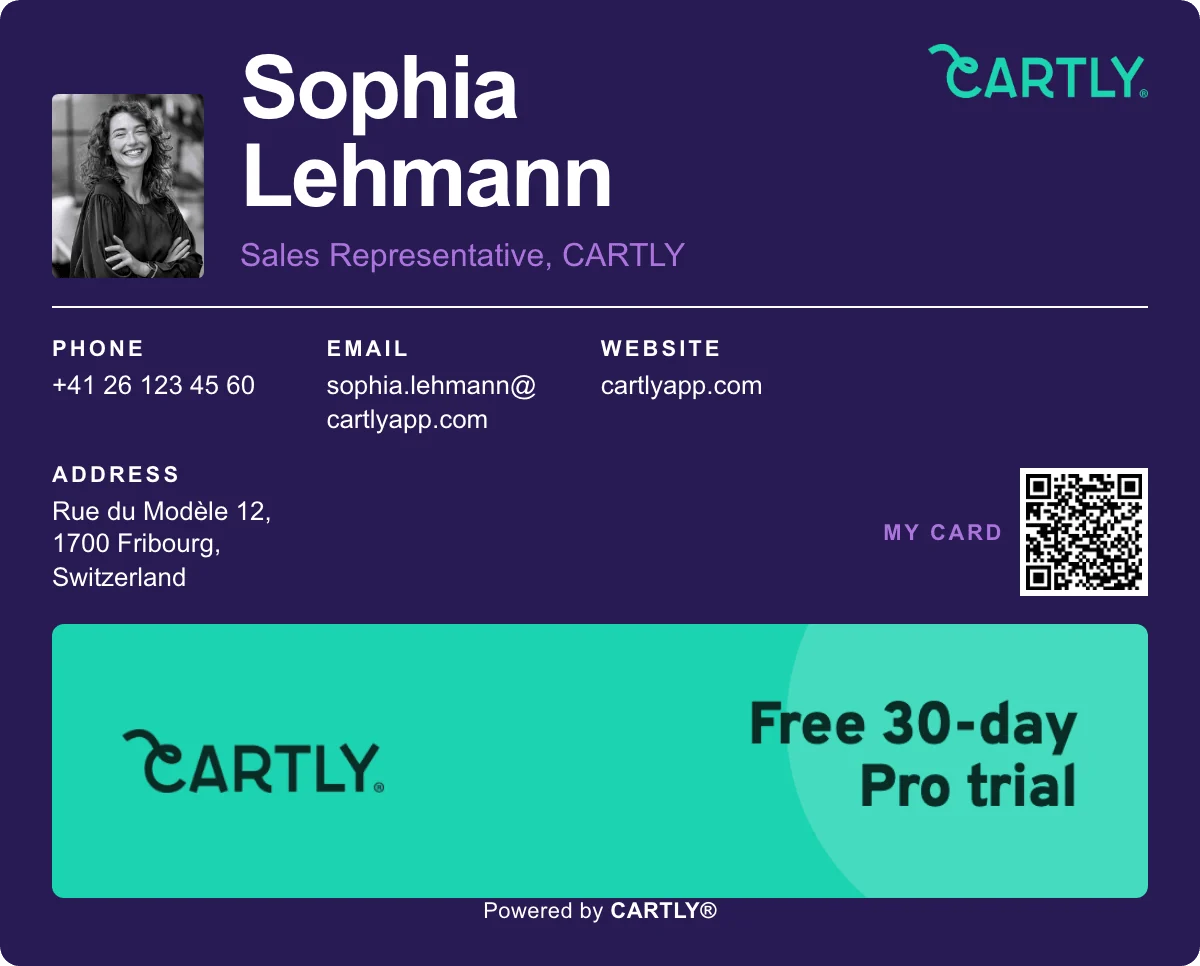
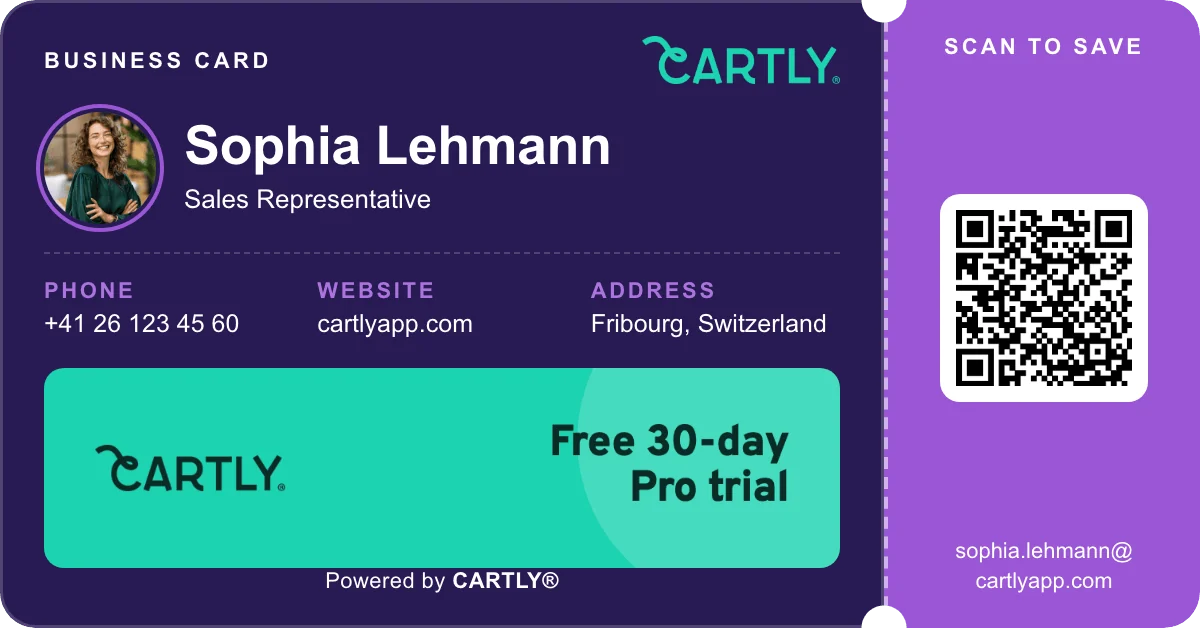
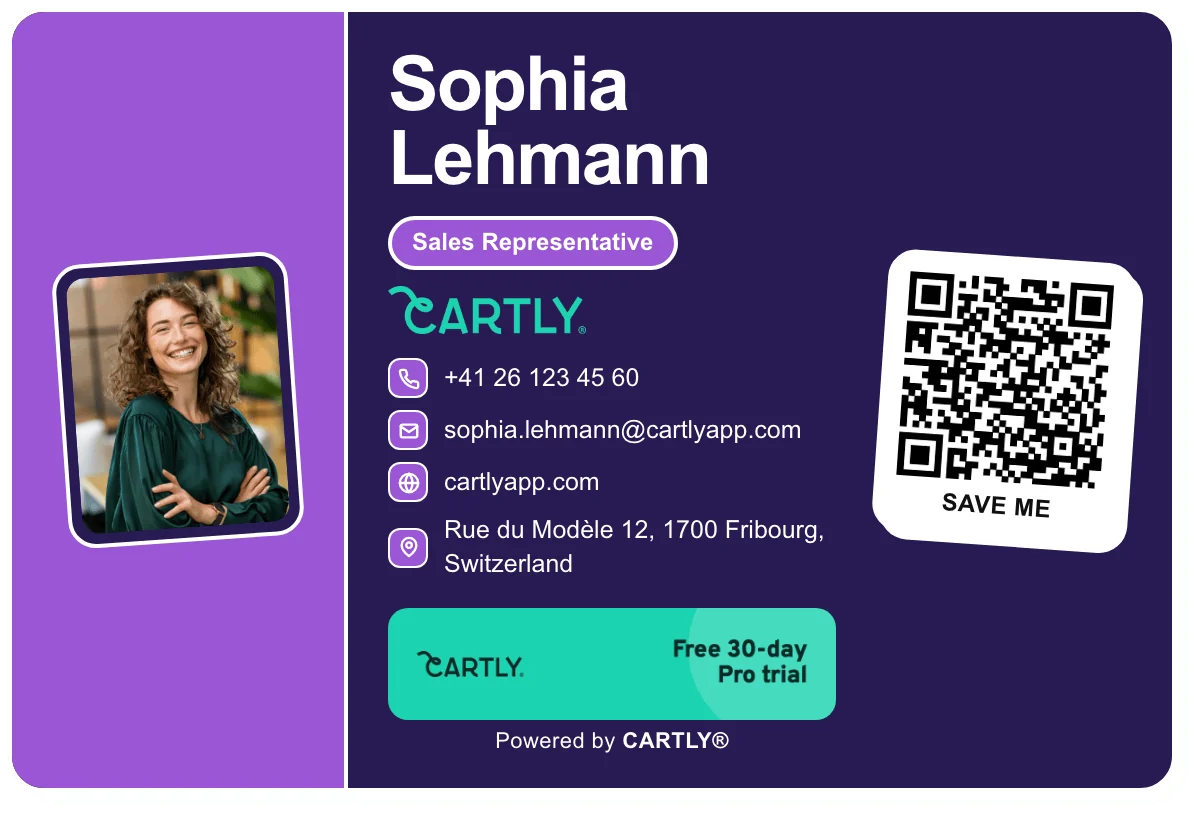
Aura A soft glow behind frosted glass.
Ready in three steps, with nothing to design
01Style
Choose a style
On the Email signature page of your dashboard, pick one of the seven styles, all generated from your card. The preview shows exactly the picture your contacts will see.
02Content
Choose what it shows
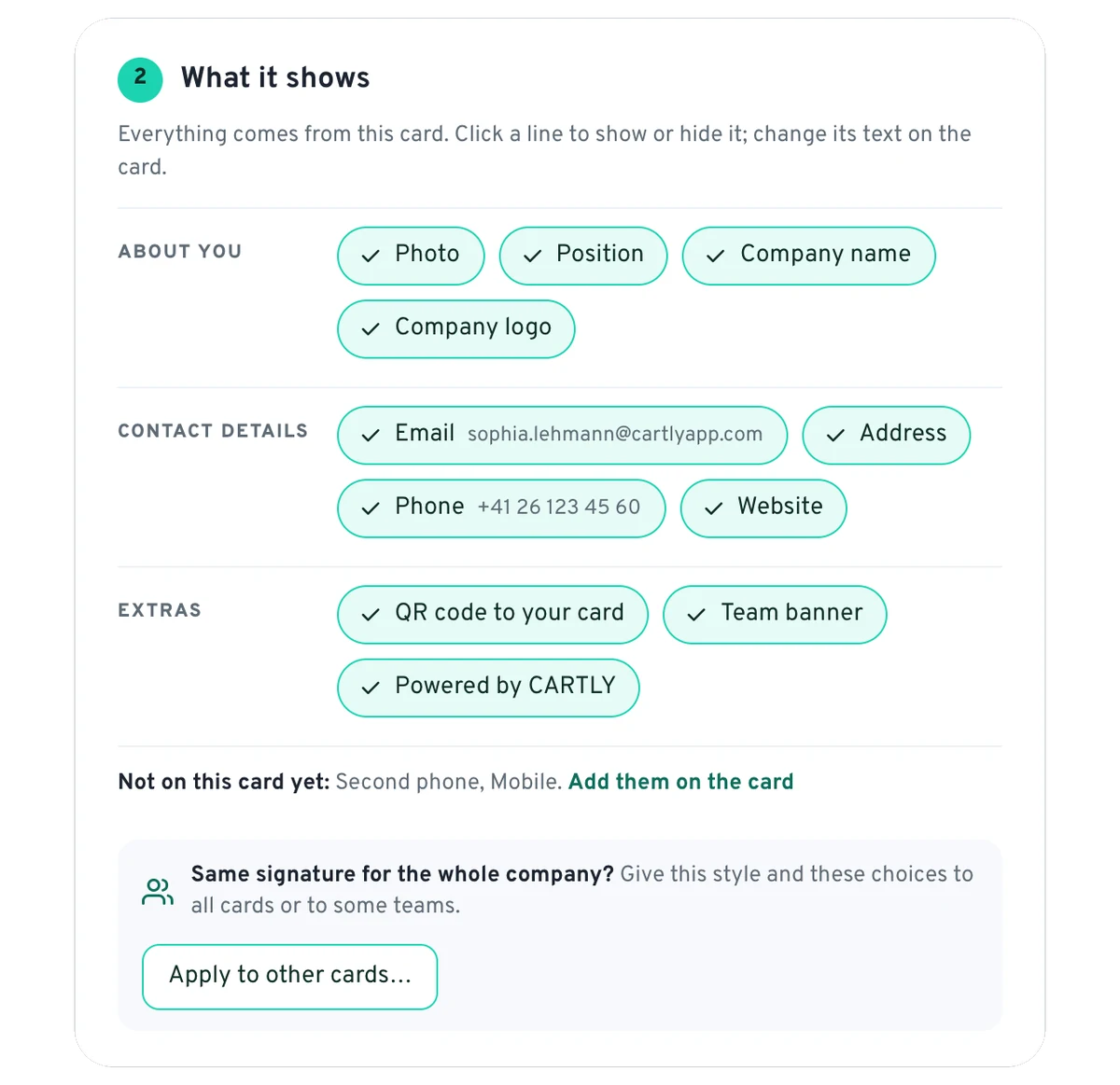
Photo, job title, company, logo, email, phone, address, website, QR code, team banner: one click shows or hides each one. It all comes from your card, with nothing to retype.
03Email app
Add it to your email app
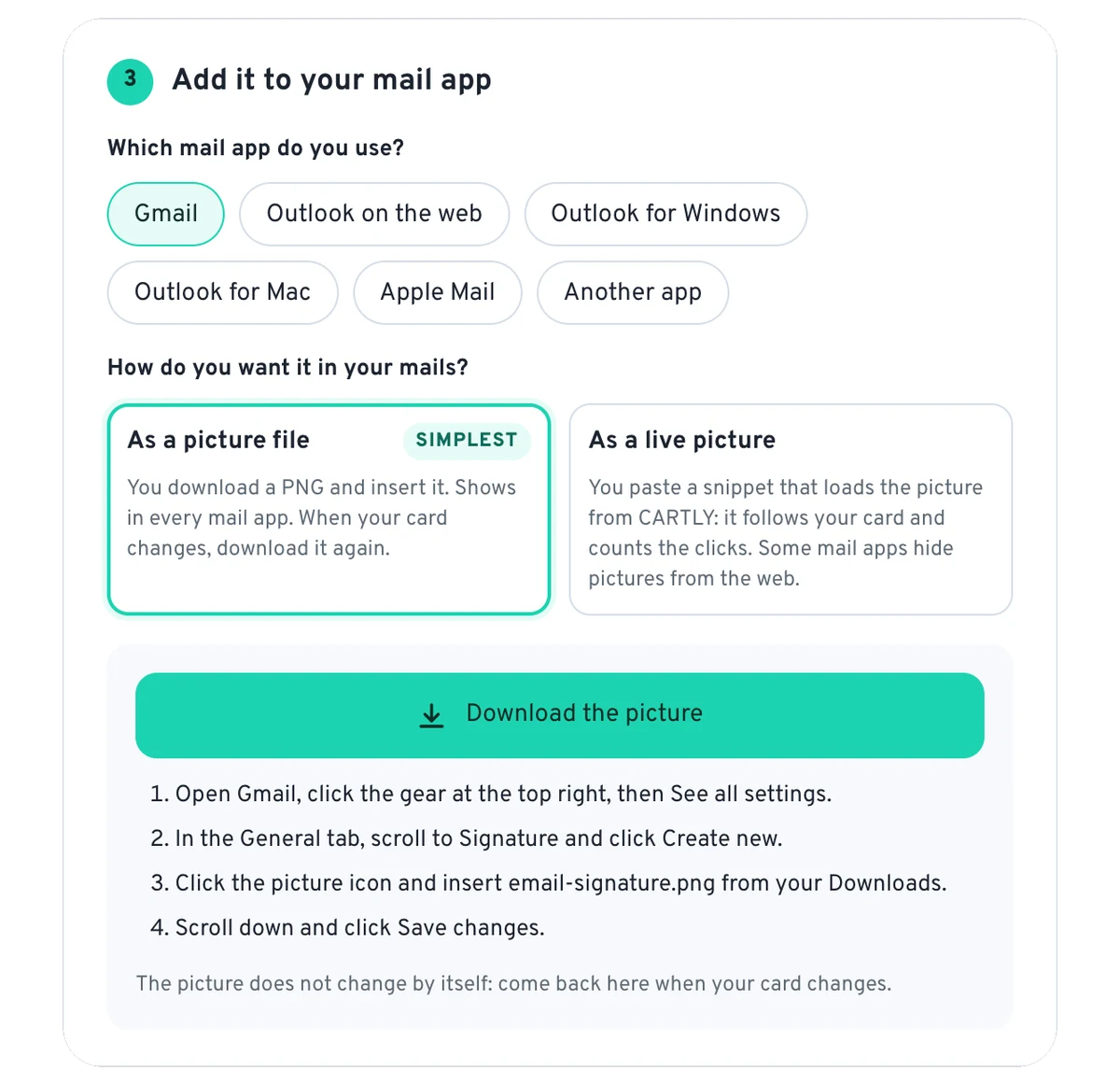
Gmail, Outlook on the web, Outlook for Windows, Outlook for Mac, Apple Mail or another app: CARTLY shows the steps for yours. As a picture file, which shows everywhere, or as a live picture, which follows your card.
Step-by-step guide for Outlook, Gmail and Apple Mail
The same signature across the company
On the Team signatures page, admins see every card's signature as it is today. Want to give everyone the same style and choices? Apply them to all cards or to some teams in one go: the pictures are redrawn in the background.
- Every signature on one page, by team
- One style and set of choices applied to all cards or to some teams
- Per team, you decide what signatures show and whether members can change the style
- One banner per team, for its trade shows, events and offers

Kept up to date, and tracked in your statistics
As a live picture, the signature follows the card: a new job title or a new number, and it redraws on its own. As a picture file, just download it again. Either way, its QR code opens the latest version of your card.
Every scan of its QR code counts in your card's statistics, along with views, downloads and contacts received. Clicks on the live signature get a figure of their own, “Signature clicks”: you see how often your card is opened from your emails.

Email signature FAQ
How do I create an email signature?
With CARTLY: create your digital business card, open Email signature in your dashboard, choose one of the seven styles and what the signature shows, then add it to your email app by following the steps shown. It takes a few minutes.
Is the email signature free?
It is part of the Pro and Business plans, so it is included in the free 30-day Pro trial, no credit card required. The free Starter plan does not include it.
Which email apps are supported?
Gmail, Outlook on the web, Outlook for Windows, Outlook for Mac and Apple Mail: CARTLY shows the steps for each. For any other app, it gives the general steps.
What does the signature include?
What you choose from your card: photo, name, job title, company, logo, email, phone, address, website, a QR code to your card and, if your team has one, its banner.
Picture file or live picture?
A picture file is a PNG you insert into your email app; it shows everywhere. A live picture is loaded from CARTLY: it follows your card and counts clicks. Either way, the QR code leads to your up-to-date card.
Can the whole team have the same signature?
Yes. From a signature's page, apply its style and choices to all cards or to some teams. The Team signatures page shows every card's signature, and each team's editing permissions set what signatures show.
Can I change the style later?
Yes, at any time, unless your team has set it. The signature redraws in seconds; as a live picture, there is nothing to paste again in your email app.
How do I add the signature to Outlook?
CARTLY shows the steps for Outlook on the web, Outlook for Windows and Outlook for Mac. In Outlook for Windows, for example: File › Options › Mail › Signatures, then New. Full guide: how to add your signature in Outlook, Gmail and Apple Mail.
Explore more features
Turn every email into a card share
Your professional email signature, in one of seven styles, generated from your card. Free 30-day Pro trial, no credit card required.