4 Effective Ways to Share Your Digital Business Card
Creating a digital business card is the first step. The next? Making sure people actually see it.
Digital cards are made to be shared, quickly, conveniently, and in a way that fits the moment. Whether you’re meeting in person, networking online, or following up after a call, there’s always a smart way to get your card into the right hands.
Here are five easy and professional ways to share your digital business card, and when to use each.
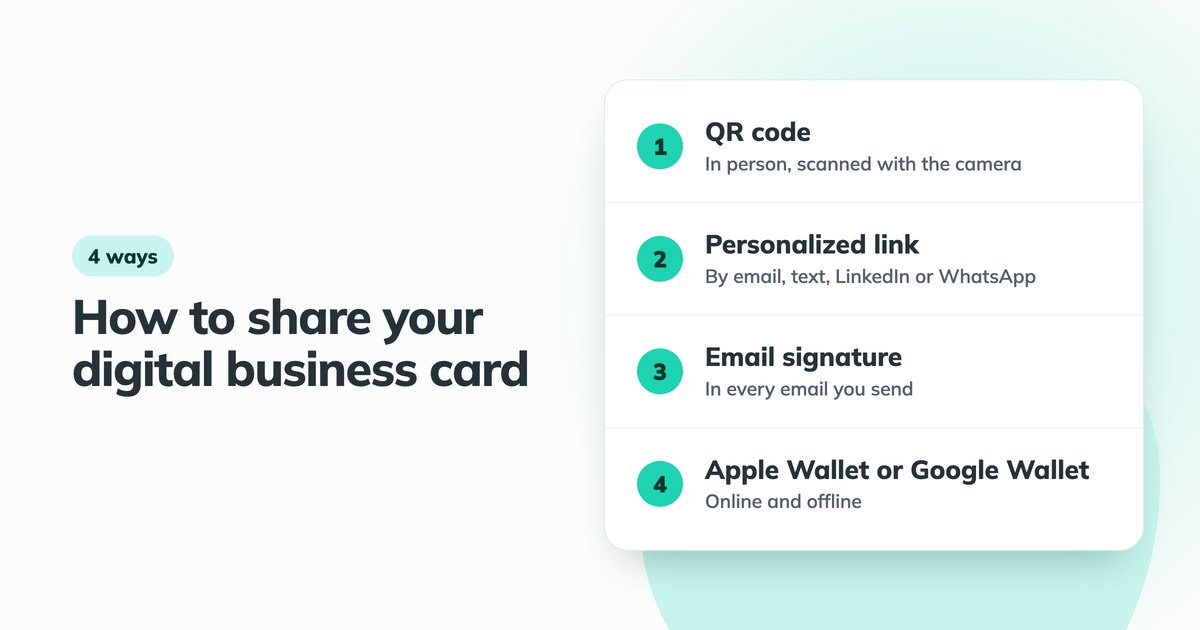
1. Via a QR Code
The fastest way to share your card in person.
-
Have it ready on your phone screen
-
Let your contact scan it with their camera
-
Your card opens instantly—no app required
Great for events, meetings, or casual encounters on the go.
Pro tip: Add the QR code to your phone lock screen or badge for even quicker access.
2. Through a Personalized Link
Every CARTLY card comes with a custom link (e.g., cartlyapp.com/yourname):
-
Send it via email, SMS, LinkedIn message, or WhatsApp
-
Add it to your social media bios or digital documents
It’s versatile, trackable, and works in any digital interaction.
Perfect for: remote networking, follow-ups, or prospecting.
3. In Your Email Signature
One of the most overlooked but powerful tools.
-
Add your CARTLY signature: a picture of your card details with its QR code; as a live picture, one click opens your card
-
It automatically appears in every email you send
-
Shows in every email app as a picture file; on phones, keep a short text signature with your card's link
It’s subtle but consistent, every email becomes a chance to connect.
Best for: everyday communication with clients, partners, and prospects.
4. Integrated into Apple Wallet or Google Wallet
Add your card to your phone’s digital wallet for instant access:
-
No need to open an app
-
Share by tapping or showing your QR code
-
Works online and offline
It’s your always-ready networking tool, literally in your pocket.
Use it: anytime you don’t want to fumble through apps or browser tabs.
Wrap Up
The real power of a digital business card lies in how easily you can share it. Whether through QR, links, or email, CARTLY makes sure your info is just one tap away from your next opportunity.
Start sharing smarter, create your free digital business card with CARTLY today.